
How to use Gala Playworks as an AI game maker for browser games
Gala Playworks lets creators describe a game idea, generate a playable HTML5 draft, test it in the browser, and publish it with leaderboards, wallet sign-in, and optional reward controls.
Copy the starter prompt
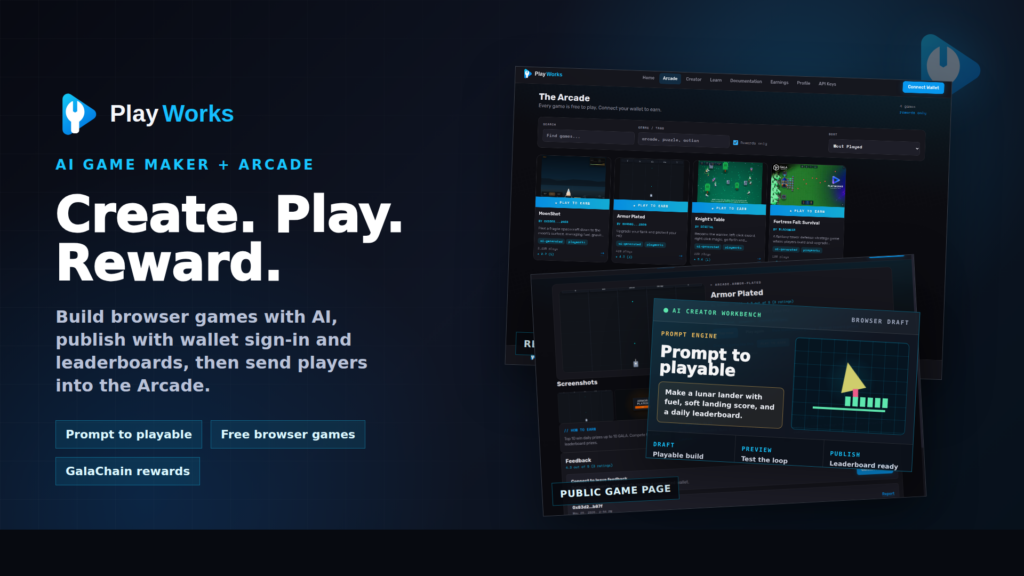
Free Publishing Week: Creators can publish a Playworks browser game without the standard publishing fee through June 12, 2026. Generate a draft, test the loop, and publish during the promo window when the game is ready.
Start during Free Publishing Week
If you are looking for an AI game maker for browser games, the hard part is not only getting code on screen. The useful part is getting a draft you can play, revise, publish, and show to players without leaving the creation flow.
This guide shows how to write a stronger first prompt, what to check after the first generated draft, how to refine the prompt when the game feels wrong, and how public Playworks examples can help you decide what to build next.
Publishing and reward setup should still follow the terms shown in the product. The waived publishing fee does not make creator-funded reward pools, eligibility rules, or other game terms free by default.
Quick start
- Pick one core loop players can understand in ten seconds.
- Describe controls, scoring, fail state, visual style, and level pacing.
- Generate a draft in the Gala Playworks AI game maker.
- Test the feel, revise the prompt, then publish when the loop works.
What to put in your first AI game prompt
A good prompt gives the AI game creator the same details a teammate would need before building a prototype. Name the genre, the player action, the threat, the scoring rule, the fail condition, the level structure, and the style of feedback players should see.
Starter prompt
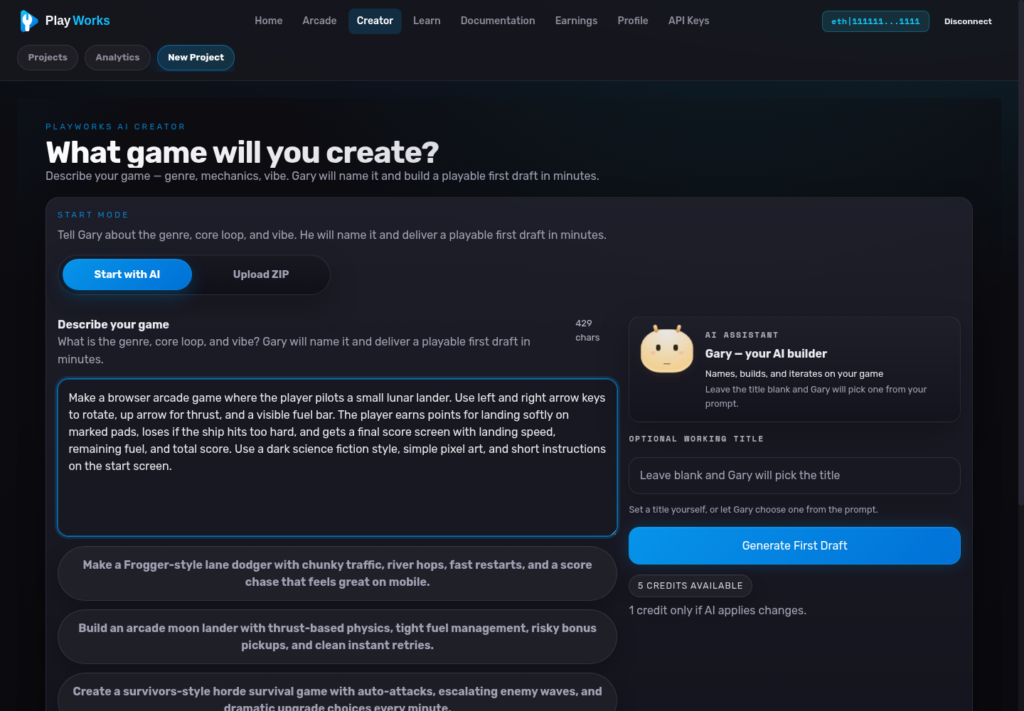
Make a browser arcade game where the player pilots a small lunar lander. Use left and right arrow keys to rotate, up arrow for thrust, and a visible fuel bar. The player earns points for landing softly on marked pads, loses if the ship hits too hard, and gets a final score screen with landing speed, remaining fuel, and total score. Use a dark sci-fi style, simple pixel art, and short instructions on the start screen.That prompt works because it names the controls, physics goal, scoring, failure, result screen, and art direction. The AI has fewer assumptions to make, and you have a clearer checklist for judging the first draft.
Three AI game prompts to try
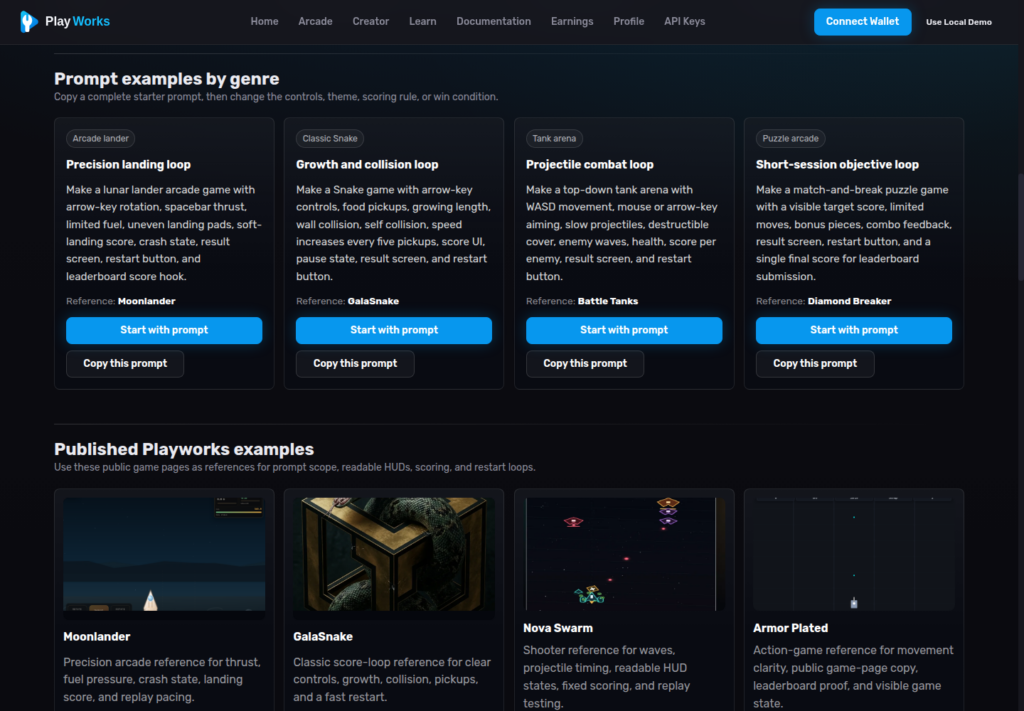
Use these as starting points, then change the theme, controls, enemies, score rules, or win condition. The best first game idea is small enough to test quickly and specific enough that the result can be judged.
Lunar landing score chase
arcade
Make a lunar lander game with one-screen levels, limited fuel, landing pads with different score multipliers, and a leaderboard score based on soft landing speed, remaining fuel, and number of safe landings.
Top-down tank defense
action
Make a top-down tank defense game where the player protects a base from waves of drones. Use WASD movement, mouse aiming, upgrade choices between waves, and a score bonus for keeping the base above 75% health.
Space wave survival
shooter
Make a browser space shooter with short waves, collectible shields, enemies that enter from clear warning lanes, and a final results screen showing wave reached, enemies destroyed, damage taken, and score.
How to improve the first draft
The first generated game should be treated like a playable draft. Run it, find the part that feels weakest, then ask for a specific revision. Broad feedback like “make it better” is less useful than changing one rule, speed, enemy behavior, or score moment at a time.
Weak revision prompt
“Make the game more fun.”
Better revision prompt
“Reduce player acceleration by 20%, add a fuel warning when fuel drops below 25%, make the landing pad wider in the first level, and show a score breakdown after each attempt.”
| Problem | Prompt fix |
| Players do not understand the goal. | Ask for a start screen with one sentence of instructions, visible goal markers, and a result screen that repeats the scoring rule. |
| Controls feel floaty or harsh. | Name the control feel you want: slower acceleration, stronger braking, snap turning, short dash cooldown, or lower gravity. |
| The game becomes unfair too quickly. | Request wave pacing, warning indicators, enemy spawn caps, a gentler first level, and one safe recovery mechanic. |
| The score does not teach replay strategy. | Ask for score categories such as survival time, accuracy, resources saved, streaks, bonus objectives, and penalties. |
Use published Playworks games as references
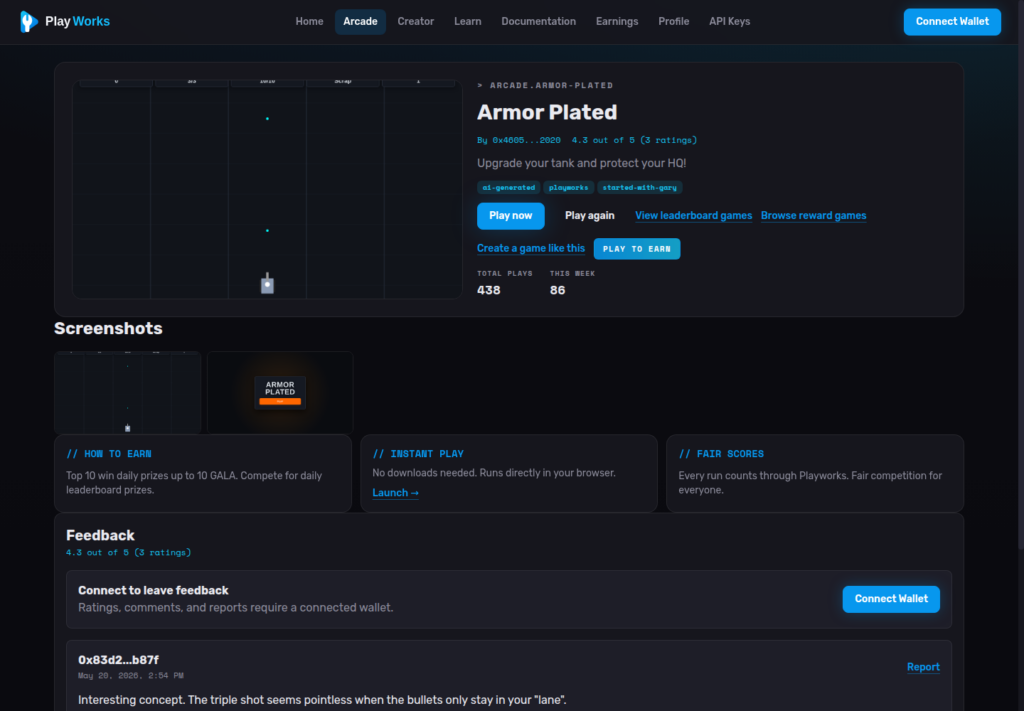
Public examples are useful because they show what a finished browser game page needs after the prompt is done: a playable build, clear launch action, rating and feedback signals, leaderboard entry points, and a creator path for making something similar.
Start with a reference like Moonlander, Armor Plated, or Nova Swarm. Then describe what you want to keep, what you want to change, and what the new player goal should be. This gives the AI game maker a concrete pattern without asking it to copy the original game.
A useful reference prompt might say: “Use the readable one-screen action of Armor Plated, but make the player protect a moving convoy, add upgrade choices after each wave, and score based on convoy health plus enemies destroyed.”
Where the Arcade, leaderboards, and rewards fit
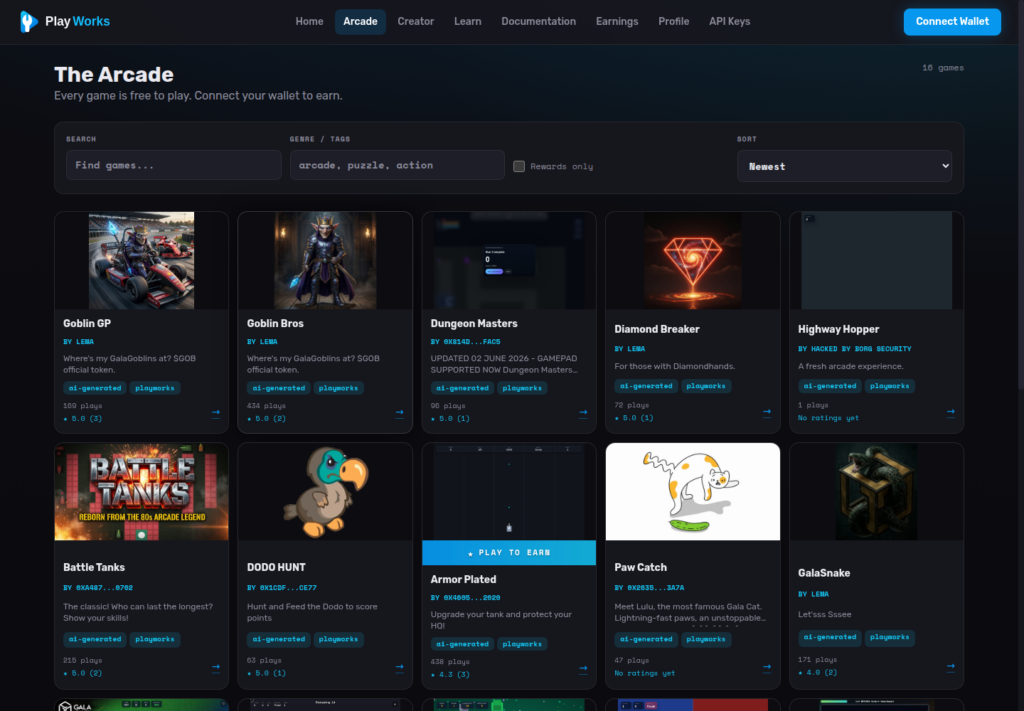
The creator work does not end at generation. Once a draft is fun enough to publish, the public game page and Arcade help players find it, play it, rate it, and compete on scores. Reward-enabled games can also show wallet and eligibility context before a player enters a competition.
Keep reward language precise. Rewards are available only in eligible games and according to the terms shown for each game. A strong creator prompt should still focus first on the playable loop, because the leaderboard only matters if players want another run.
Start with one playable loop
The fastest path is a small idea with a clear score. Write the prompt, generate the first draft, play it long enough to find the weak point, then revise one specific thing. When the result is understandable and replayable, publish it and use player behavior to decide what to build next.
Open the Gala Playworks AI game maker
Reward note
Rewards are available only in eligible games and according to the terms shown for each game. Confirm live reward terms before naming any token amount or payout rule.
Editor note: Replace local image paths with uploaded Media Library URLs before publishing on News Gala. Confirm the Free Publishing Week date window before publishing if this article goes live after June 12, 2026.